

If you’ve ever found yourself staring at a frozen screen, waiting forever for your laptop to start, or wondering why your battery suddenly drains so quickly, you’re definitely not alone. These are some of the most common laptop problems we hear about every day from customers across Perth.
While some problems may seem serious at first, many can be repaired quickly and cost-effectively by experienced technicians. At Computer Mechanics in Perth, we regularly fix a wide range of problems for students, office workers, and business users.
In this article, we’ll look at the most common laptop issues we repair in Perth, and outline how our expert team gets devices back to working reliably again.
1. Slow Startup and Performance
One of the most common complaints we receive is “why is my laptop running so slow” or “why is my laptop taking too long to start”. Simple tasks like browsing the internet, switching between tasks can be frustrating.
This issue usually happens when too many programs try to start up automatically when you turn on your laptop, the hard drive is faulty or needs replacement, old operating systems or drivers, insufficient RAM, or large number of background processes. In some cases, malware or viruses also slow down the system without the user noticing.
How we Repair:
Our repair process begins with a full system check to identify exactly what’s causing the problem. Our technicians will look at your startup programs, access hard drive health, clean temporary files, and remove any harmful malware or viruses. If necessary, we may recommend upgrading the RAM or replacing the hard drive with a faster SSD. We also optimize system settings and implement proven techniques to make your laptop faster and improve overall performance.
2. Freezing & Crashing
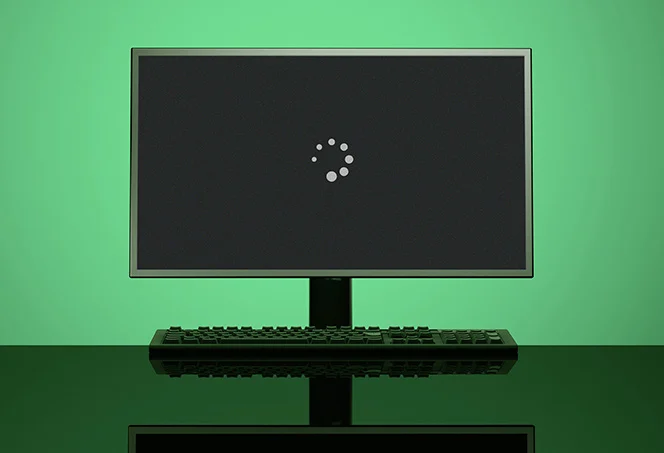
“My laptop just froze in the middle of my assignment!” or “It keeps crashing without warning, and I lose all my work.” These are urgent calls we often receive. Imagine you’re in the middle of an important work, and suddenly your laptop screen freezes. These interruptions are incredibly disruptive, leading to lost work and a lot of frustration.
Sudden laptop freezing or crashing are often signs of deeper problems such as corrupted software, outdated drivers, unstable graphics card, low RAM, or failing hardware. Overheating can also lead to system instability and sudden shutdowns. Sometimes, even a recent software update can introduce bugs that cause instability.
How we repair:
We begin by diagnosing whether the issue is software or hardware related. Our technicians check temperatures, update drivers, repair corrupted system files, and test memory (RAM). If a hardware component is failing, we replace the damaged part. After repair, we run stability tests to ensure the laptop works smoothly.
3. Cracked Screens
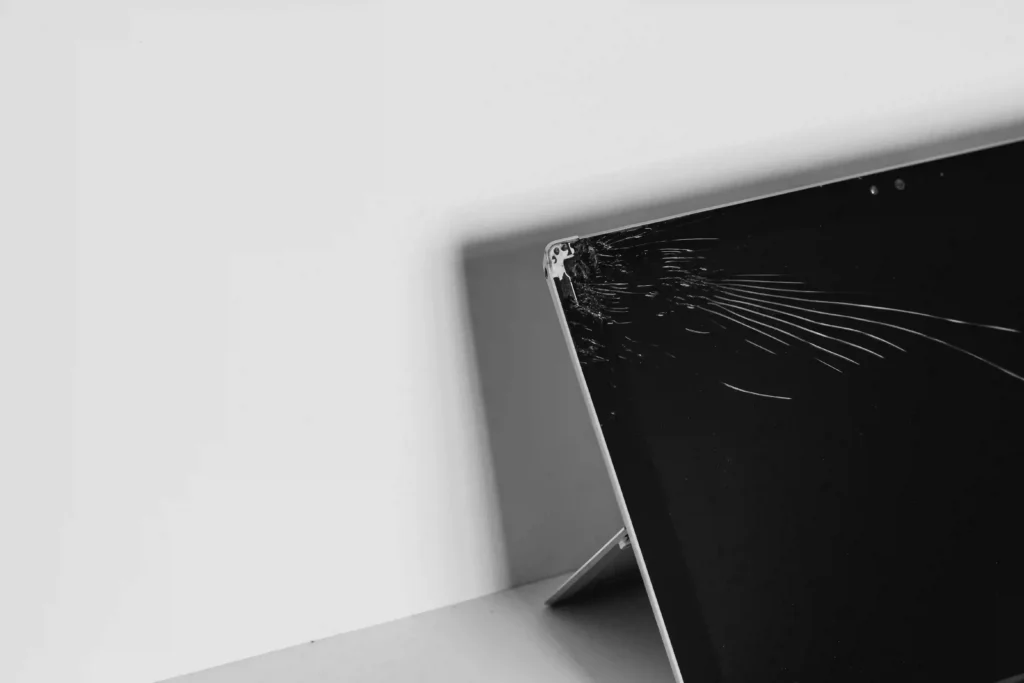
A cracked, shattered, or damaged laptop screen is one of the most common hardware problems customers come up with. Whether it’s a small hairline crack, coloured lines, or black spots, flickering, or a completely blank screen, it can make your laptop difficult or impossible to use.
It usually happens due to accidental drops, pressure on the screen, or unexpected impacts. Even a small crack can gradually spread, affecting display clarity and performance. While your laptop may continue to power on, the screen damage can worsen over time if left unrepaired.
How we repair:
Our technicians first assess the extent of the screen damage to determine whether the issue is limited to the display panel or involves other components. We carefully remove the damaged screen and complete a professional laptop screen replacement using a high-quality compatible display. After installation, we thoroughly test the display for brightness, colour accuracy, and overall performance to ensure your laptop looks and functions like normal again.
4. Blue Screen Errors
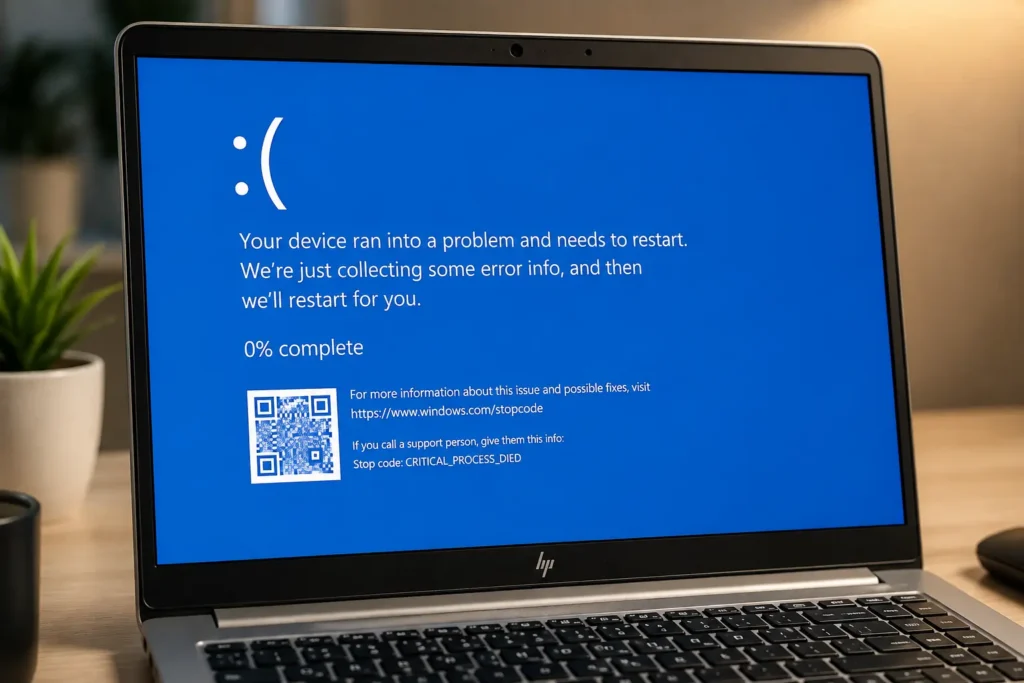
My computer just showed a blue screen and restarted! What does it mean?” This is a common panic call we get. Blue screen errors (also known as BSOD in Windows) can appear suddenly and force the laptop to restart.
Blue Screen Errors can be triggered by a variety of serious issues, usually caused by driver conflicts, faulty hardware, corrupted system files, or operating system errors. In some cases, it may also be related to overheating or failing storage drives. Occasionally, a recent Windows update or newly installed software can also result in these critical errors.
How we repair:
When your laptop experiences a Blue Screen Error, our first step at Computer Mechanics is a thorough diagnostic to identify the specific error code and its underlying cause. We check for corrupted system files, outdated or incompatible drivers, and software conflicts that might be triggering the errors, and also test hardware components like RAM and storage. Our technicians will update or roll back problematic drivers, repair damaged Windows system files, remove any software that’s causing conflicts, and eliminate any malware. If necessary, we repair or replace faulty parts. After fixing the issue, we perform multiple restarts and stress tests to confirm stability.
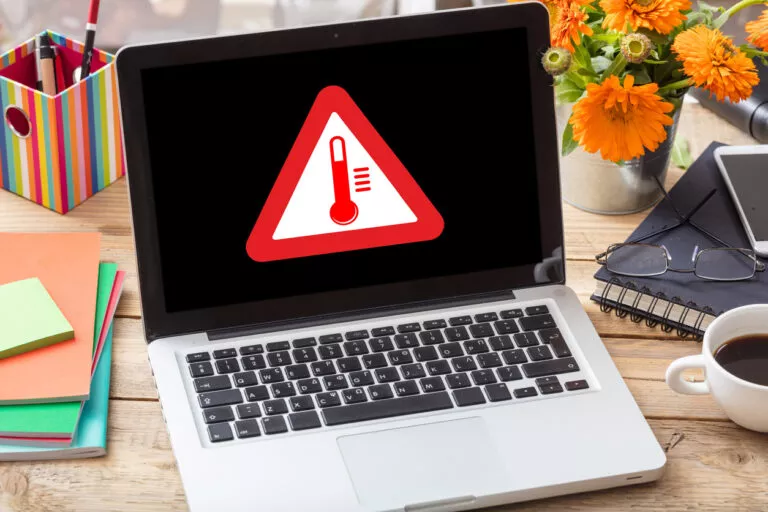
5. Overheating Issues
“My laptop feels like it’s burning up!” or “The fan is so loud, and it keeps shutting down.” These are clear signs of laptop overheating, a problem we frequently help customers at Computer Mechanics.
Laptops naturally generate heat during operation, and they rely on internal fans and heatsinks to dissipate this heat away from sensitive components. Overheating is often caused by dust buildup inside the laptop, blocked air vents, damaged cooling fans, or old thermal paste. Running resource-intensive applications for long periods or using the laptop on soft surfaces (like a bed or your lap) that block the air vents can also increase temperature.
How we repair:
At Computer Mechanics, we address overheating issues with a comprehensive cleaning and optimization process. Our repair process includes internal cleaning, especially removing dust from fans, vents and heat sinks, leading to excessive laptop fan noise. We replace thermal paste to improve heat transfer and check if the cooling fan is working properly. If the fan is damaged, we replace it. After reassembly, we perform stress tests and monitor CPU temperature and GPU temperature to verify that your laptop maintains optimal operating temperatures, extending the lifespan of your device.
6. Running Out of Storage
“My laptop keeps showing low disk space warnings!” or “I can’t save any more files.” These are common issues we hear from customers at Computer Mechanics. A full storage drive can slow down your laptop and prevent you from installing updates or saving files.
Modern operating systems, applications, and high-resolution media files consume a lot of storage space. Over time, your hard drive or SSD can fill up with accumulated downloads, temporary internet files, duplicate documents, old backups, and software you no longer use. As storage reaches its limit, the laptop may struggle to operate efficiently.
How we repair:
Our approach to storage issues at Computer Mechanics involves both smart optimization and potential upgrades. We start by analyzing what is using your storage space. We remove junk files, duplicate data, and unused applications to help free up disk space and restore performance. If more space is needed, we recommend upgrading to a larger hard drive or SSD. We also help customers organize their files and use cloud storage solutions for better management.
7. Battery Draining Fast
Your laptop used to last for many hours on a single charge, but now it seems to die after only a short period, or perhaps you have to keep the charger plugged in all the time. A laptop battery draining quickly is a very common issue, especially in older devices.
Laptop batteries naturally wear out over time as they go through repeated charging cycles. However, excessive battery drain can also be caused by power-hungry background applications, screen brightness settings, outdated drivers, overheating, or faulty charging components. In some cases, the battery may have reached the end of its lifespan and can no longer hold a proper charge.
How we repair:
At Computer Mechanics, we start with a battery health test. If the battery is worn out, we replace it with a high-quality compatible battery. We also optimize power settings, reduce background activity, and inspect the charging port and power adapter to check if there’s any faults. After the repair, we perform battery performance tests to ensure your laptop provides reliable battery life.
Why Perth Locals Trust Computer Mechanics for Laptop and Computer Repairs
When it comes to reliable laptop and computer repairs in Perth, locals consistently choose Computer Mechanics. Our reputation is built on a strong foundation of trust, deep expertise, and outstanding customer service.
- Quick Turnaround: Our fast turnaround repair guarantee means we start working on your laptop within 2 hours of you bringing it in, and most repairs are completed within a single day.
- Expertise and Experience: With over 65 years of industry experience, our team of highly skilled technicians possesses a deep understanding of all laptop and computer brands and models.
- No Hidden Fees: Transparency is a core value of our service. We believe in honest pricing, which means we provide clear and upfront quotes before any work begins.
- Exceptional Customer Service: Our numerous positive reviews from satisfied customers speak volumes about our commitment to your satisfaction.
- Comprehensive Solutions: We offer a full spectrum of services beyond just repairing. Like data recovery, secure data transfer and backup, cybersecurity solutions, thorough virus removal, and system upgrades.
Need Fast and Reliable Repair Services in Perth?
Don’t let laptop problems slow you down. Laptop problems can happen at any time, whether it is slow performance, overheating, screen damage, or battery issues. While these problems can be frustrating, most of them can be repaired quickly with the right technical support.
We offer fast diagnostics, same-day repairs for most issues, transparent pricing, and expert support for all major laptop and PC brands. If your laptop is showing any of the problems mentioned above, getting it checked early can save you time, money, and data loss in the future.
Contact Computer Mechanics today to book your repair or request a free assessment!
