

Computers may not last forever, but replacing one too early is just as frustrating as keeping it for too long. If you notice that your PC has gotten slower, crashes a lot more often, doesn’t seem to be able to run every day programs, or no longer receives patches and security updates, you may be wondering how long computers last and when it’s time to replace it.
A computer can last several years depending on the type of computer and how it is used. Many computers will last a long time, but some need to be repaired, upgraded, or replaced much sooner.
In this guide, you will learn the 10 most common signs you need a new computer, when it is time to repair, upgrade, or replace your computer, and what to consider before buying a new PC or laptop.
What is the average lifespan of a computer or laptop?
The lifespan of a computer varies from type to type depending on the computer hardware used, how often it is used, and how well it is maintained. A computer used for basic tasks such as surfing the web and checking your email will last longer than a computer used for video editing or other demanding work. Regular computer maintenance and upgrades can extend the life of a computer and also save you money before you need to replace it.
| Device Type | Average Lifespan (Estimated) |
| Desktop Computer | 5–8 years |
| Laptop | 3–5 years |
| Gaming PC | 4–6 years |
| Business Computer | 3–5 years |
These are general estimates, not fixed rules. Some computers continue to perform well beyond these ranges, while others may need replacement sooner. Instead of relying on age alone, it’s important to watch for computer replacement signs that affect everyday performance and usability.
Tip: If your computer is still reliable but feels slower than it used to, upgrading your laptop or computer with additional RAM or an SSD may improve performance and delay the need to replace your computer.
10 Signs It’s Time to Replace Your PC
1. Your PC No Longer Receives Security Updates
If your PC no longer gets security updates, then it is a clear sign that it is reaching the end of its lifespan. A PC with an unsupported version of Windows is at greater risk of being infected with malware, ransomware attacks, and other threats. If you suspect your computer has already been infected, professional virus, malware, and ransomware removal can help restore your system and protect your data.
The best thing to do if you are on the supported version of Windows is update your software, so that you get the improved security features and compatibility. If you are not able to install the latest version of Windows, then it may be time to replace your computer.
2. Severe Physical Damage or Wear and Tear
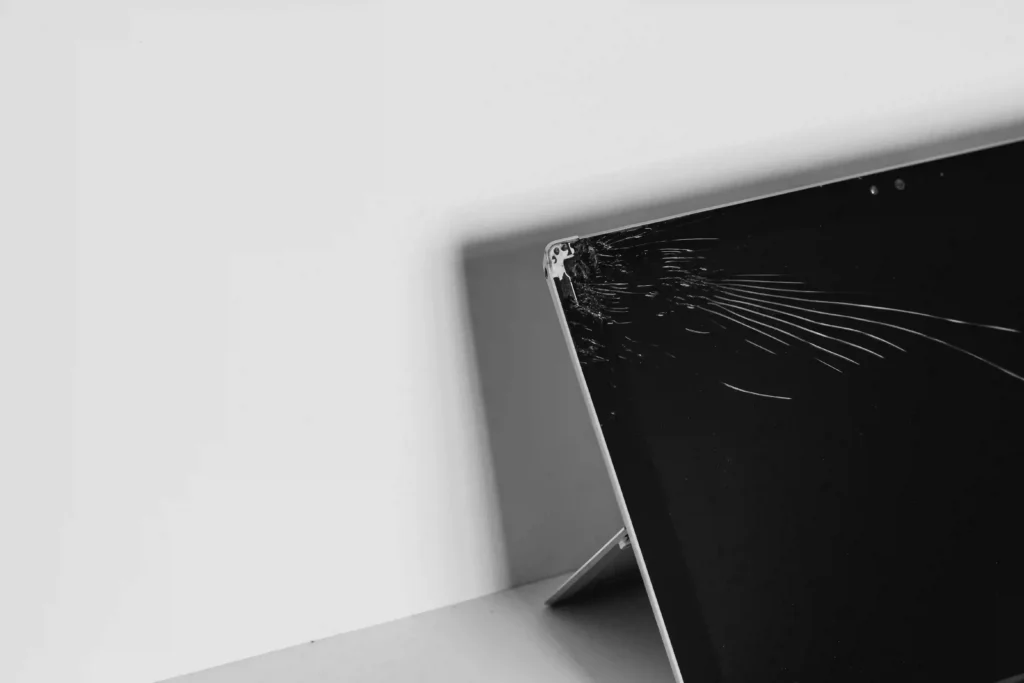
Using your computer on a regular basis can make some of its parts worn out or get damaged over time. Some common signs of severe physical damage which can impair the performance and usability of your computer are:
- Cracked laptop screens
- Faulty keyboards
- Liquid damages
- Faulty hinges
- Damaged charging ports
- Motherboard failure
Despite the fact that some of these issues can be fixed separately, you may need to replace your computer altogether if it has several damaged parts or if it is expensive to repair.
3. Frequent Freezing, Crashes, or Blue Screens
Another warning sign is when a computer frequently freezes, crashes suddenly, or displays Blue Screen of Death (BSOD) errors. Such symptoms are often indicative of computer replacement if they persist even after basic troubleshooting or professional repairs. There can be various reasons for these symptoms, such as faulty hardware, corrupted system files, driver issues, and simply an old computer which cannot handle new software anymore.
When this becomes a recurring problem and there is no way to fix it, then perhaps it is time for replacement.
4. Extremely slow performance
A slow computer/laptop is one of the major indications that it is time for you to replace the computer with a new one. If your PC takes forever to turn on, launch applications slowly or stops responding when you are doing daily routine activities such as surfing the web and sending emails, then the problem may lie with your ageing hardware. Though insufficient RAM, an outdated SSD or HDD or unnecessary apps running in the background can sometimes be fixed, consistently poor performance on an older computer often means it’s time to replace it.
5. The cost of a repair is close to buying a new computer
As computers get older, repair costs may start to climb up. Replacing components such as the motherboard, the processor, or many internal components can cost nearly as much as purchasing a new computer. If your PC is already a few years old, replacing another costly component may be less cost effective.
Before you buy a computer, compare the cost of repair against the price of a new computer, look at the PC’s overall performance, reliability, and upgrade options. In many cases, it makes more sense to replace an old computer/laptop rather than costly repair.
6. Constant Overheating
It is normal for a computer/laptop to heat up during heavy use; however, constant overheating of a laptop even when being used normally should indicate that there is some kind of problem.
The reasons for laptop overheating may include dust accumulation, faulty cooling fans, old thermal paste, or simply aging hardware which can lead to reduced performance, unexpected shutdowns, and hardware damage over time. In case when the computer keeps overheating even after all cleaning and maintenance, replacing it would probably be a better choice.
7. Frequent Hardware Failures
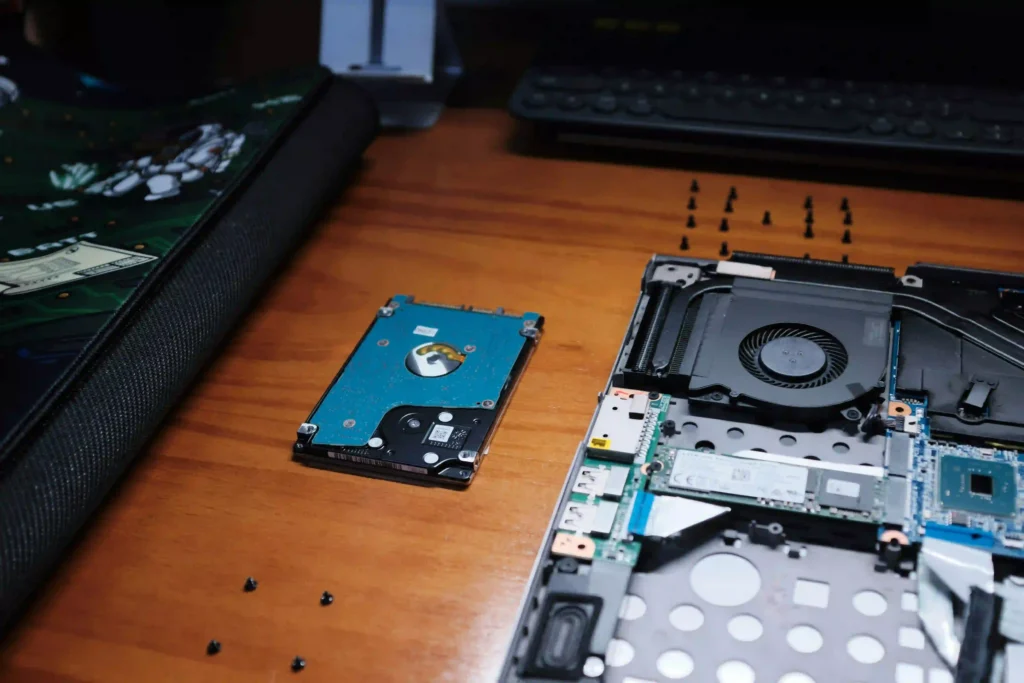
With time, the hardware components of the computer start to wear out. This may happen because of failure of the hard drive, faulty RAM, motherboard or power supply failure. In cases where your computer starts having new hardware issues even after you have replaced some components, it makes more sense to buy a new PC than repair it.
8. Can’t Run Modern Software or Application
As software advances it is likely that old computers will not be able to support new programs. This could lead to new applications not installing, running slowly or requiring certain hardware features that the computer does not support. If you need to use the latest software regularly for job, school or for personal use then limited software compatibility is a strong indication that it is time to replace your computer.
9. Your Computer Takes Too Long to Start Up or Shut Down
If your computer is taking a long time to start or shut down, it could be a sign of aging hardware or software issues. Slow startup and shutdown can be caused by a variety of issues, such as a failing hard drive, too many startup programs, old or incompatible drivers, and an old operating system. Some of these issues may have a solution, but if your computer is old, and either shutting down or starting up is taking a long time, it can be an indicator that it is time for a new PC.
10. Your PC Can’t Handle Demanding Tasks
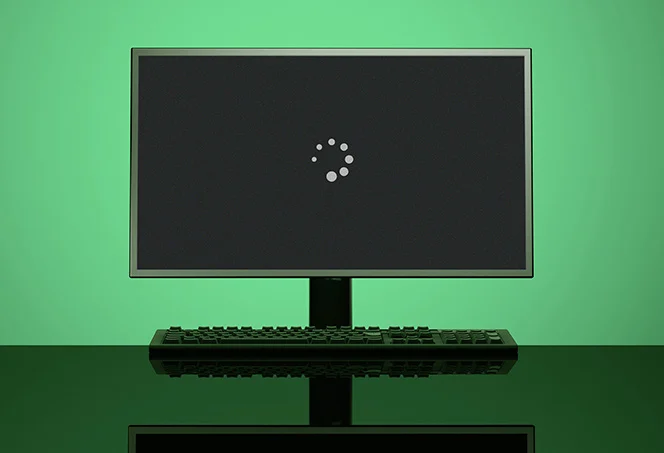
Today’s software and tasks have become more computationally demanding than ever. In case you find that your computer is having trouble with playing games, video editing, designing graphics, or using multiple programs at once, then perhaps your computer cannot handle them anymore. Although upgrading certain components, such as RAM or SSD, can solve performance issues, but sooner or later, upgrading an old PC becomes useless and replacement is a better choice.
When should You Repair, Upgrade, or Replace Your Computer?
| When? | Best Option | Why? |
| You have cracked screen, faulty keyboard, damaged charging port, or broken hinge | Repair | Replacing a single damaged component is usually more cost-effective than buying a new computer. |
| Your computer has software issues, virus infections, or driver problems | Repair | These problems can often be resolved without replacing the hardware. |
| Your computer is overheating due to dust buildup or worn thermal paste | Repair | Cleaning the cooling system or replacing thermal paste can restore normal performance. |
| Your computer is running slowly because of low RAM or an ageing HDD | Upgrade | Adding more RAM or upgrading to an SSD can significantly improve speed and responsiveness. |
| Your computer is still reliable but running out of storage | Upgrade | Increasing storage capacity is more affordable than replacing the entire computer. |
| Repair costs are close to buying a new computer | Replace | A new computer often provides better performance, reliability, and warranty coverage. |
| Your PC has frequent hardware failures or recurring breakdowns | Replace | Repeated hardware failures usually indicate the computer is reaching the end of its lifespan. |
| Your computer no longer receives security updates or can’t run modern software | Replace | Newer hardware offers better security, compatibility, and long-term support. |
| Your computer struggles with everyday tasks even after repairs or upgrades | Replace | If performance doesn’t improve, replacing the computer is often the better long-term investment. |
| Your computer has severe physical damage or multiple damaged components | Replace | Repairing several major components can cost more than investing in a new computer. |
Tips to Make Your Computer Last Longer
Taking proper care of your computer can help extend its lifespan, improve performance, and reduce the need for expensive repairs or an early replacement. Follow these simple tips:
- Clean out dust: Dust blocks airflow and traps heat, which can damage internal components and reduce performance.
- Keep software updated: Regular updates fix security vulnerabilities, improve compatibility, and keep programs running smoothly.
- Keep vents clear: Good airflow helps prevent overheating and keeps your computer’s cooling system working properly.
- Free up storage: Remove unnecessary files and programs to maintain performance and leave enough space for updates.
- Protect against power surges: Use a surge protector or UPS to help protect your computer from electrical damage.
- Handle your computer carefully: Avoid drops, liquid spills, and unnecessary strain on laptop screens, ports, and cables.
- Back up important files: Regular backups protect your data if your computer fails or needs to be replaced.
Can Upgrading Your PC Make It Last Longer?
Yes, upgrading your PC can extend its lifespan, but only if the core hardware parts of your PC are in good shape. Instead of replacing your computer straight away, consider these upgrades:
- Upgrade from an HDD to an SSD to improve boot times, application loading, and overall responsiveness.
- Add more RAM if your computer struggles with multitasking or frequently runs out of memory.
- Replace aging components, such as the battery (laptops) or cooling fans, if they are affecting performance.
- Install the latest software and driver updates to improve security, compatibility, and system stability.
- Clean the cooling system and replace thermal paste if overheating is reducing your computer’s performance.
However, upgrades have their limits. If your computer has frequent hardware failures, severe physical damage, or no longer supports modern software and security updates, replacing it is usually the better long-term investment.
What to look for when buying a new computer?
Choosing the right computer depends on what you intend to do with it. Before buying a new desktop or laptop, there are several key features to consider:
- Processor (CPU): It is essential to choose a PC with a processor ideal for your work. Simple tasks require less powerful processors while more advanced activities such as gaming and video editing demand more powerful and faster CPUs.
- RAM: Choose a computer with at least 16 GB RAM for multitasking, normal gaming and everyday activities whereas, consider buying a computer with 32 GB or more RAM if you engage in heavy activities such as heavy video editing or high-end gaming..
- Storage: Choose an SSD instead of an HDD for faster boot times, quicker file access, and better overall performance.
- Graphics Card (GPU): Consider a computer with a dedicated graphics card for activities such as gaming, graphic designing, video editing, and 3D modeling. However, for everyday tasks, integrated graphics cards are sufficient.
- Battery Life (Laptops): If you work or study on the go, look for a laptop with good battery lifespan, and fast-charging support.
- Upgradeability: Choose a computer that allows future upgrades, such as adding more RAM or replacing the SSD, to extend its lifespan.
- Warranty and Support: Check the manufacturer’s warranty and after-sales support for added peace of mind.
Choosing a computer that suits both your current and future needs can help you avoid replacing it sooner than necessary.
Conclusion
The average lifespan of a computer depends on how it’s used, maintained, and whether it can keep up with your everyday needs. If your computer is showing multiple signs like slow performance, frequent crashes, hardware failures, or no longer supports modern software, it may be time to replace it. However, if the issues are minor, repairing or upgrading your computer could still be a cost-effective option.
At Computer Mechanics, our team can help you choose the most practical solution based on your needs and budget. If you’re looking for laptop or PC repairs, or you’re planning to buy a new computer but aren’t sure which model is right for you, we are happy to help you choose the best laptop or desktop for your needs, without suggesting features you don’t actually require.
Contact computer mechanics today for honest advice and professional assistance.
FAQs
1. How long does a gaming PC last?
A gaming PC typically lasts 4 to 6 years, depending on the hardware and the types of games you play. Regular upgrades, such as adding more RAM, upgrading the graphics card, or installing an SSD, can help extend its lifespan.
2. How long does a laptop last with daily use?
Most laptops last 3 to 5 years with daily use. Proper maintenance, regular software updates, and hardware upgrades can help extend your laptop’s lifespan, but older devices may eventually struggle to run modern software efficiently.
3. Do Macs last longer than Windows PCs?
Both Macs and Windows PCs can last 5 to 8 years or more with proper care. The lifespan depends more on the quality of the hardware, maintenance, and how the computer is used than the operating system itself.
4. How often should you replace your computer?
Most people replace their computer every 5 to 8 years. However, you should consider replacing it sooner if it:
- Frequently crashes or freezes.
- Can’t run modern software.
- No longer receives security updates.
- Costs too much to repair.
5. Is 5 years a long time for a computer?
Not necessarily. A well-maintained computer can still perform well after 5 years, especially if it has an SSD, enough RAM, and receives software updates. However, if it has become slow, unreliable, or no longer meets your needs, it may be time to upgrade or replace it.
