


Advantages of SSD over HDD: Key Benefits
Is your computer taking an eternity to start up every time you open it? You press the power button and
Is your computer taking an eternity to start up every time you open it? You press the power button and

Batteries in laptops do not last forever, and as the years go by, the capacity to hold a charge declines.
One of the most common questions we hear at Computer Mechanics is: “Is this computer worth fixing, or should I

Even the most robust Windows systems can sometimes encounter unresponsive programs. When an application freezes, it hampers your entire workflow,
Blue screen of Death on your Windows 10 or 11 PC? Learn what causes a BSOD, decode common stop codes, and ways to fix BSOD errors and get your device running smoothly.
Your CPU temperature is the clearest early-warning signal your computer gives you. Every processor has a built-in digital thermal sensor,

Experiencing laptop screen damage? Learn how to identify the problem, try DIY fixes, and know when to seek professional repair for your laptop screen.
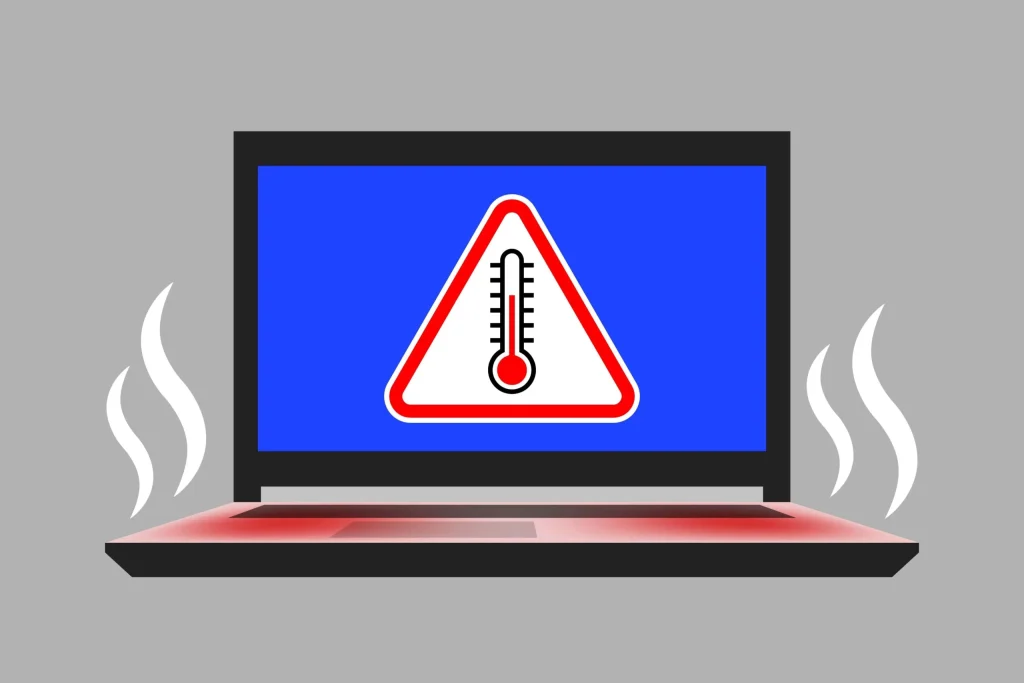
A laptop that’s too hot to hold on your lap isn’t just uncomfortable, it’s a warning sign. Excessive heat can

Over 70 older Samsung phone models have been found unable to correctly connect to Australia’s Triple Zero (000) emergency service
A pathology business, Australian Clinical Labs was just hit with $5.8 million in civil penalties in relation to a data

This is despicable. Fake bills sent to businesses, hoping to look enough like an ASIC bill to sneak into the
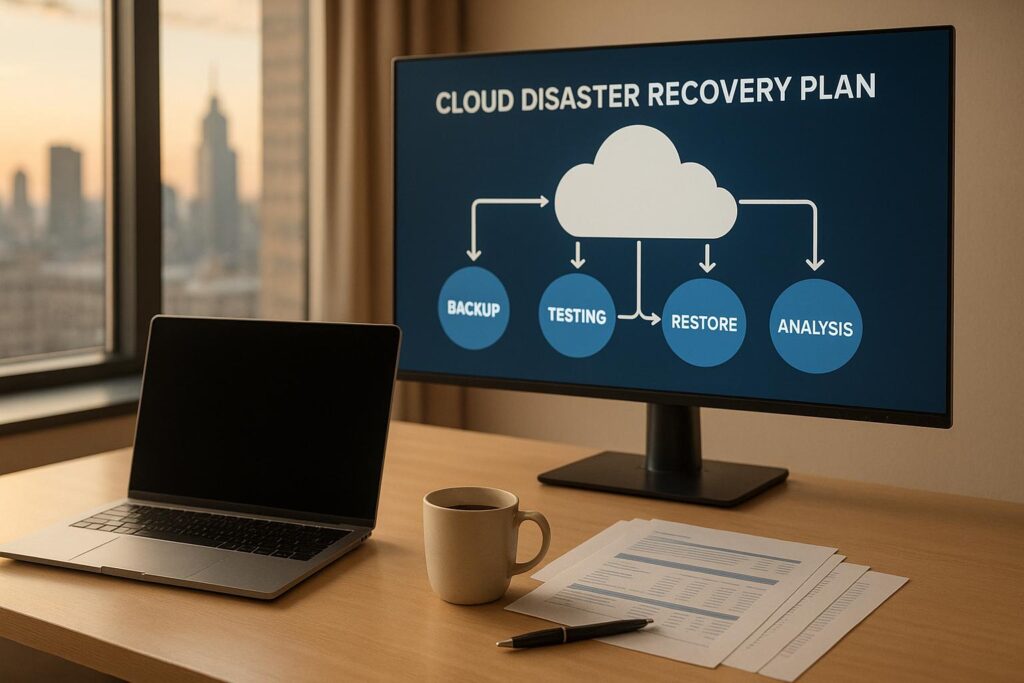
Learn essential steps for effective cloud disaster recovery testing to safeguard your business from disruptions and ensure quick recovery.

Explore the vital roles of an Incident Response Team in tackling cybersecurity incidents and safeguarding business continuity.

Learn effective strategies to train employees for cybersecurity awareness, reducing risks and strengthening your organization’s defenses.
Learn how to effectively deploy antivirus software across your business network to protect against cyber threats and enhance data security.
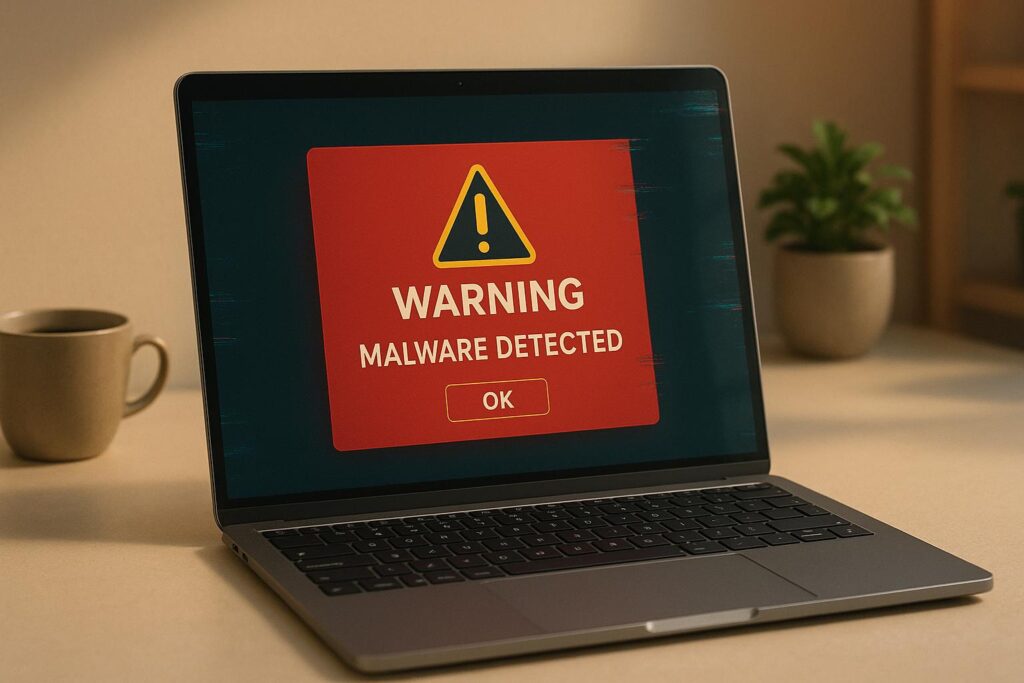
Learn to identify 10 signs of malware on your computer, from slow performance to unexpected pop-ups, and how to protect your system.

Learn the essentials of network security policies to protect your business from data breaches and ensure compliance with industry standards.
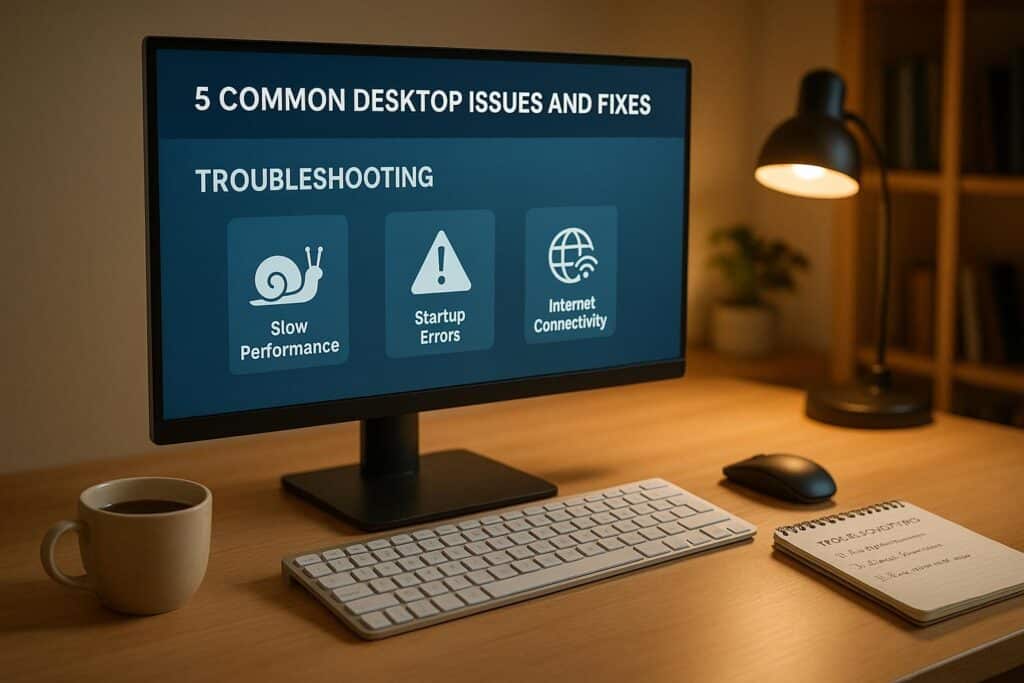
Learn how to troubleshoot common desktop issues such as slow performance, startup failures, and internet connectivity problems with practical fixes.

Learn best practices for effective IT maintenance resource allocation to minimize downtime and enhance system reliability.
Learn about common antivirus setup issues small businesses face and how to fix them to ensure robust cybersecurity and seamless operations.

Learn the essential steps for effective IT emergency response, from early detection to recovery, to minimize downtime and protect data.