

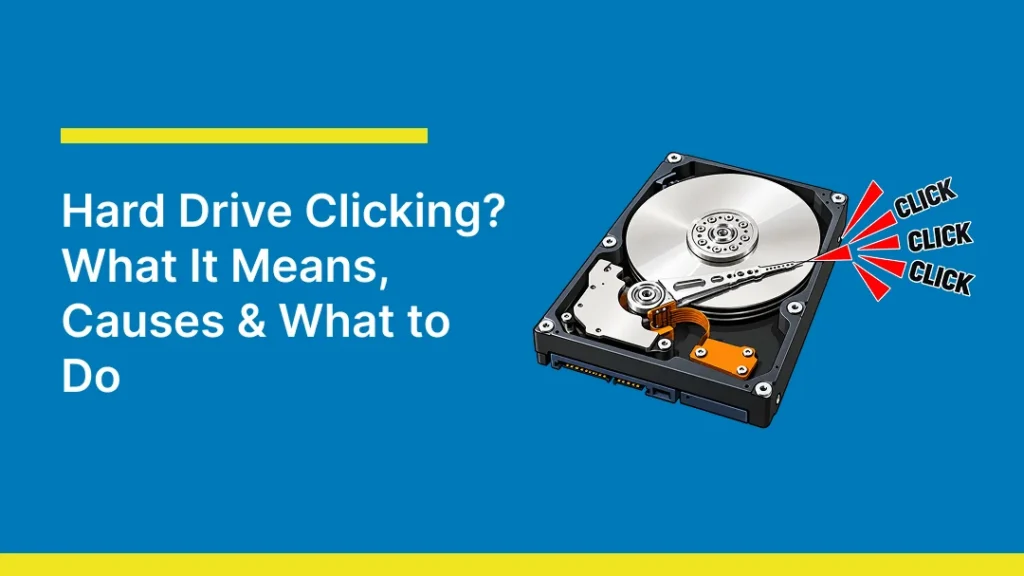
A hard drive that suddenly starts making repeated clicking sounds can be worrying, especially when important files are stored on it. In some cases, the sound comes from the read/write heads struggling to position correctly, causing the actuator arm to reset and try again. This repeated cycle is often called the “click of death.”
But not every click means your HDD is failing. A soft, occasional click during startup or normal operation can be harmless, while repetitive or rhythmic clicking can point to a serious problem. In this guide, we’ll explain what causes hard drive clicking, what the different sounds can mean, what you should do, and when professional help may be needed.
Is a Clicking Hard Drive Always a Sign of Failure?
No. Hard drive clicking is not always a sign of failure but repeated clicking usually is. A single soft click during startup or shutdown can come from a drive parking its heads or switching power states. Some PCs also make clicks that actually come from a fan, speaker, or power supply. However, a new, repeated, rhythmic clicking from a mechanical HDD is a warning sign, especially when paired with slow access, errors, or detection problems.

NORMAL vs FAILURE hard drive clicking
| Normal Clicking | Potential Failure Clicking |
| Occasional, soft clicking during normal operation | Repeated, rhythmic clicking that keeps occurring |
| May happen when the HDD reads or writes data | Often happens as the drive repeatedly tries to access data |
| Can occur briefly when the drive wakes or parks its heads | May continue for several seconds or repeatedly cycle |
| Drive continues working normally | Drive may become slow, freeze, disconnect, or stop responding |
| Files open and save normally | Files may become inaccessible or corrupted |
Hard Drive Clicking Scenarios
Where and when the clicking happens tells you a lot about the problem. Here are the four most common HDD clicking situations that people face the most.
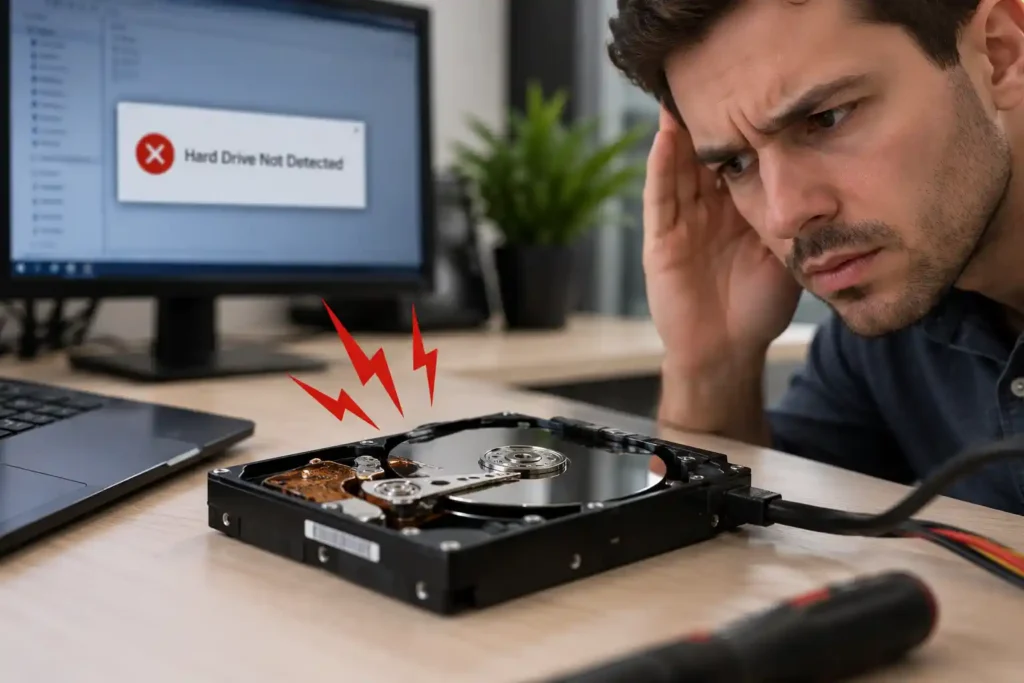
1. Clicking but the hard drive still works
This is the most misleading scenario. Files open, so it feels safe to carry on. It is not. A drive that opens files is not necessarily healthy. A failing HDD may still work intermittently. If the noise is new and repeated, stop using it for everyday work. If it is operating normally and data is not irreplaceable, copy the most important files first to a separate device. Stop if clicking returns, computer freezes, or copying stalls.
2. Clicking but the drive isn’t detected
If the clicking hard drive isn’t showing up in Disk Management or the BIOS, the heads usually cannot read the firmware in the service area. Mechanical, firmware, PCB, or power can also cause this issue. For an external hard drive, try a different USB cable and port once. If it uses a power adapter, test the original adapter and If it still clicks, then stop using it.
3. HDD occasionally makes a clicking sound
An occasional soft click can be normal. Note whether it happens at startup, during file access, or when the external drive is moved, and check that it is not a fan or another component. Repetitive or louder clicks, especially with errors, are warning signs and may require professional diagnosis.
4. HDD Clicking When Turning On the PC
An internal HDD that clicks at startup may cause Windows to freeze, fail to boot, or show a disk error which means the drive is struggling to spin up. Causes include failing heads, firmware trouble or a faulty power supply failure. Do not try to restart or keep pressing the power button as each restart puts more stress on the drive. You should turn off your PC and look for professional help.
What Does a Failing HDD Sound (Click of Death) Like?
The pattern of the HDD clicking noise gives clues about the fault.
- Repetitive clicking: This is also known as the “Click of death”. Repeated click-pause patterns can occur when the heads cannot read information and the actuator arm resets. It may be caused due to head, firmware, or platter faults. You should avoid using it if the data matters and look for professional help.
- Single click then spin-down: If the drive clicks once and then the motor stops. This can mean a seized spindle motor, a head problem or a PCB fault that cuts power. Do not keep trying to start it.
- Clicking and beeping: A click followed by a high beep sound usually means the motor in the drive is straining while the heads are stuck. Forcing it to spin can scratch the platters and may lead to data loss.
- Grinding or scraping: Grinding or scraping may mean a head is touching the drive platter. Ignoring this and continuously using the device can scratch its surface and reduce the hard drive recovery chances. Turn off the device immediately.
What are the Causes for Hard Drive Clicking?
Hard Drive clicking is a symptom and not a diagnosis; professional assessment is needed to identify the fault.
Failed read/write heads
This is the most common cause. A head crash happens when a head touches the spinning platter. The heads float on a layer of air thinner than a dust particle, so a small bump can close that gap. Damaged heads cannot read data, so they keep retrying which makes the clicking sound.
Physical damage
Drops, knocks and moving a laptop or external drive while it runs can misalign the heads or the actuator arm. Overheating, moisture and strong magnets can also harm the drive. If clicking began after an impact, do not power it up to test it.
Platter damage
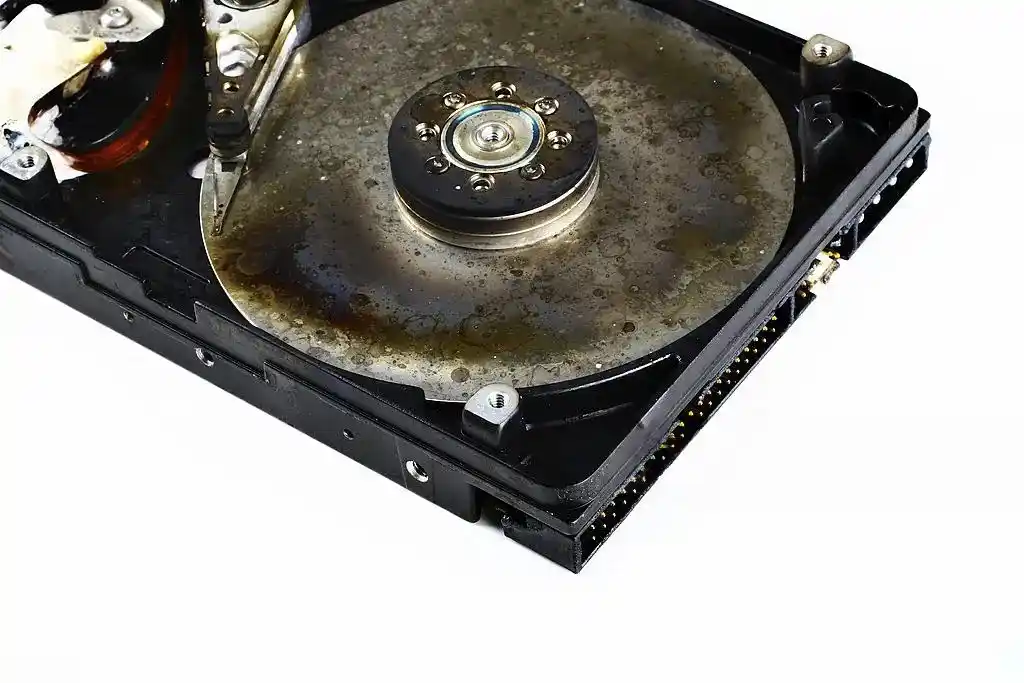
Platters hold the data. Scratches or contamination can prevent reading and cause clicks, slow access, or corrupted files. Damaged platters lose data, which is why early shutdown matters.
Power supply or cable problems
A weak USB connection, damaged cable, unsuitable adapter, or failing PC power supply may prevent spin-up. The motor then struggles to spin up, and the drive clicks. Also repeated clicking should be treated as possible drive damage. Use only an adapter with the correct voltage, current, and connector.
Age and mechanical wear
HDDs have moving parts, and moving parts wear out. Many drives start to show problems after several years of use. Age alone does not guarantee a failure, but an older drive that starts clicking deserves immediate attention.
Do’s and Dont’s If Your Hard Drive Is Clicking
After your Hard Drive starts clicking, what you do in the first few minutes to save your drive matters more than anything else.
DO’s:
- Disconnect your external HDD or turn off your PC: Do this first. Unplug an external drive or shut down the computer properly. Every minute a damaged drive runs can cause more harm to the platters.
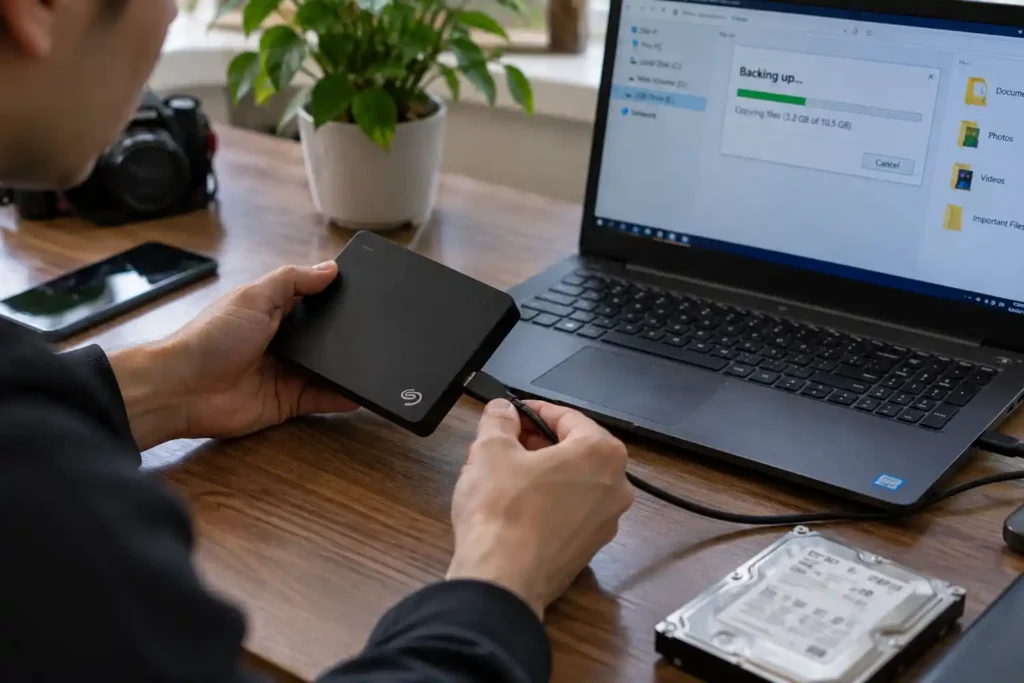
- Back up important files if the drive is still accessible: Back up only if the drive is operating without persistent abnormal noise. Copy irreplaceable files first; do not move them. Stop if clicking or freezing begins. For valuable data, seek advice before further use.
Dont’s
- Don’t repeatedly restart your PC: Repeatedly restarting your PC thinking “Maybe it will work this time” is the most common mistake. Each restart sends the heads over the platters again and worsen the problem.
- Don’t use repair or recovery software: CHKDSK and recovery tools address file-system problems, not a failed head or spindle. A scan can force a damaged HDD to read for a long time which means more damage. Avoid scans, initialisation, and partition changes when files matter.
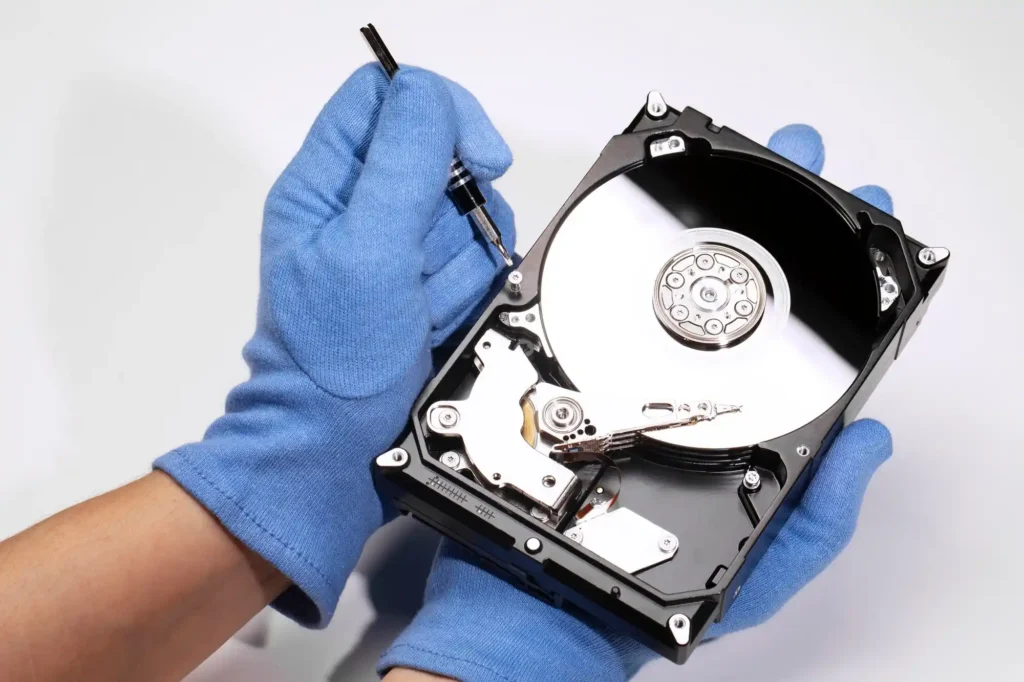
- Don’t open the drive yourself: The gap between the heads and platters is tiny. Dust, hair or skin particles in normal room air can also ruin a platter. Internal repairs need specialist tools and a controlled environment. It should be only done by professionals.
- Don’t use the freezer trick: There is a myth that keeping your laptop on the freezer helps in fixing the clicking hard drive but the truth is cooling a device does not fix it. Moisture can form on the platters when the drive warms up which may lead to laptop water damage. So never freeze, tap, shake, or strike a clicking hard drive.
Can You Fix a Clicking Hard Drive Yourself?
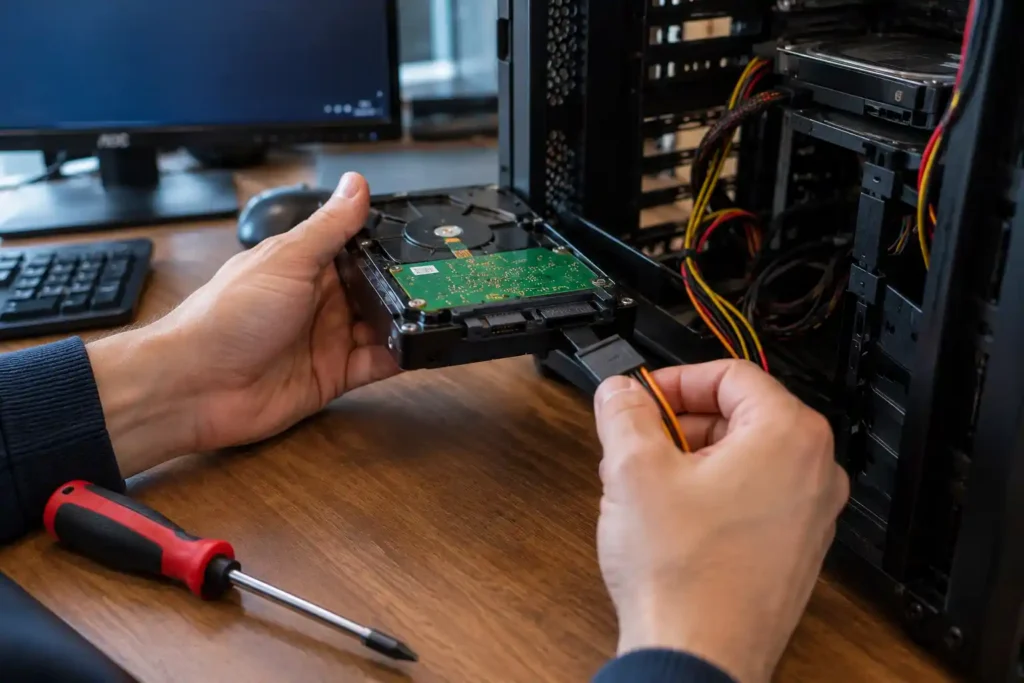
Usually you cannot fix a clicking hard drive if the sound is coming from inside the HDD or anything that touches the inside of the drive. You can only try simple safe checks:
- Using a different USB cable or port.
- Using a different SATA power connector.
- Using the original power adapter for an external drive.
- Switching the drive off and leaving it off
If the drive still clicks after the cable and power checks, the fault is almost certainly inside the drive. If the files matter, stop DIY troubleshooting and seek professional help.
Can Data Be Recovered From a Clicking Hard Drive?
Often, yes. A click means the drive cannot read its data, not that the data is gone. The files usually still sit on the platters. Recovery depends on the fault, platter condition, and further use after symptoms began. A specialist may stabilise the device and copy data before extracting files. Severe platter damage limits recovery, so no provider can promise every file before assessment.
So, the recovery chances depend on how early you switched it off, the cause of hard drive clicking, the condition of the platter, and what was tried before. Contact a data recovery provider and explain what happened, what sounds you heard, and whether the drive was dropped or exposed to liquid.
When Should You Contact a Professional?
Get a straight help from the professional for clicking hard drive if any of these apply:
- The clicking is repeated, loud or getting worse
- You hear grinding, scraping or beeping
- The drive is not detected in Disk Management or the BIOS
- Your PC freezes or will not boot
- Files have gone missing or will not open
- The drive was dropped or knocked before the noise began
- The data matters and you have no backup
Looking for a Professional Hard Drive Recovery?
A clicking hard drive should not be ignored, especially when the noise is new, repetitive, or accompanied by freezing, detection problems, or missing files. Turning the drive off early and avoiding unnecessary troubleshooting can help protect your data and improve the chances of recovery.
If your hard drive is clicking or you are worried about losing important files, Computer Mechanics can help with professional data recovery and related computer repair services. We can also assist with data transfer and backup when your drive is still accessible and your files need to be moved safely to another device.
Frequently Asked Questions
1. Can you fix a hard drive that is clicking?
No. Not at home. Clicking usually points to failed heads, damaged platters or firmware trouble. Only a cable or power fault is simple to fix. Otherwise, the aim is to recover your data and move it to a new drive.
2. How to recover files from clicking HDD?
Power it down and do not run recovery software or CHKDSK. Contact a data recovery professional, describe the symptoms, and follow their handling instructions. Recovery may be possible, but it depends on the type and extent of damage.
3. Is it worth repairing a hard drive?
It depends on whether you need the device or the data. HDD replacement is often more practical than repairing the drive for continued use. If the files are valuable, ask about recovery assessment separately; recovered data is normally copied to another device.
4. How much does it cost to repair a clicking hard drive?
Recovering data from a clicking hard drive can cost around $900 to $3,500 or more, depending on the cause of the failure and the level of specialist work required. Simple physical failures may cost less, while damaged read/write heads, platters or spindle motors can require clean-room recovery and replacement parts.
5. Does clicking mean my hard drive is dying?
Usually, yes. Repeated clicking is one of the clearest signs of a failing HDD. A single soft click at power-up can be normal, but anything repeated, loud or new should be treated as a warning. Back up what you can and get the drive checked.
