

A computer that won’t start, charge or show a picture often gets blamed on the motherboard. Sometimes that’s right. Often it isn’t. And even when it is, a faulty motherboard doesn’t automatically mean the end of the device.
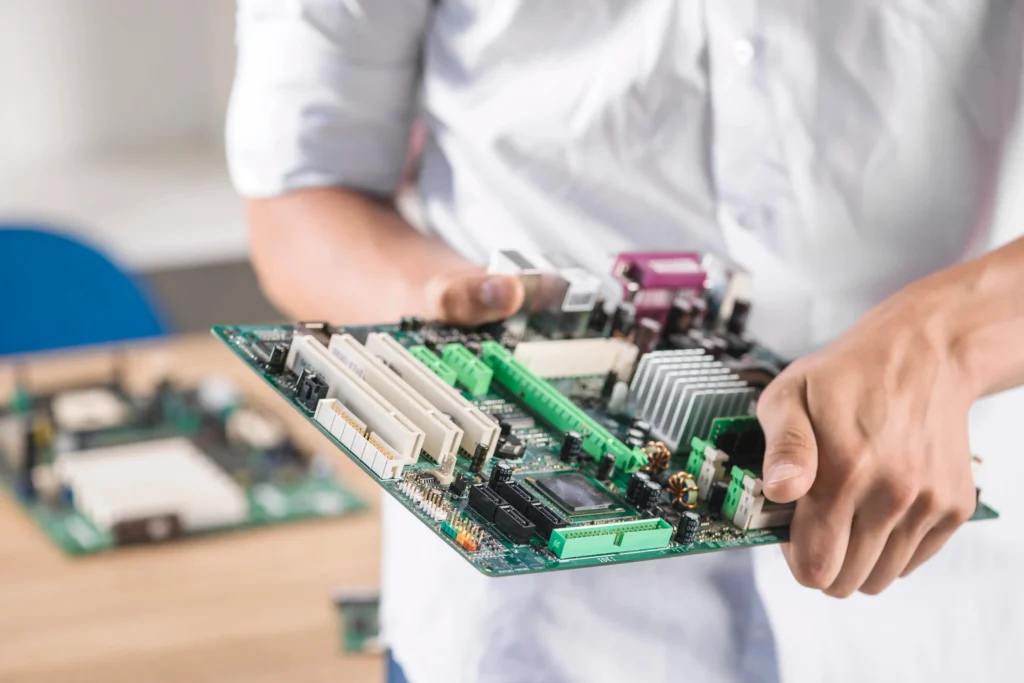
The motherboard (also called the mainboard or logic board) is the main circuit board that connects the CPU, RAM, storage, ports and power circuitry. This guide explains when repair makes sense, when replacement is the smarter choice, what each typically costs in Australia, and a simple rule you can use to decide.
Is It Really the Motherboard? Rule Out These Causes First
Several cheaper faults can look exactly like a failed motherboard. A dead power adapter, a loose RAM module or a flat CMOS battery can each stop a computer from starting, charging or showing a picture. A good technician rules these out before blaming the board.
| Symptom | Cheaper possible cause | Quick check |
| Won’t turn on, no lights | Faulty power adapter or power supply unit (PSU) | Try a known-good adapter or PSU |
| Powers on but no display | Loose or faulty RAM, or a damaged screen or cable | Reseat the RAM and try an external monitor |
| Boot errors, clock resets or POST warnings | Dead CMOS battery | Replace the small coin-cell battery |
| Not charging | Faulty charger or worn battery | Test with another charger or battery |
| Random restarts or shutdowns | Overheating or a failing fan making loud noise | Clean the vents and check the fan |
Signs that point towards the motherboard itself include:
- Several ports (USB, audio or display) failing at the same time
- A burning smell or visible scorch marks
- No response even with a known-good adapter, RAM and battery
- Repeated hardware-related blue screens, or shutdowns with no heat cause
- Trouble that started after a liquid spill or power surge
Even then, ask for a proper diagnosis. It confirms the fault, shows whether the damage is isolated or widespread, and gives you a written quote to compare repair against replacement.
When Motherboard Repair Makes Sense
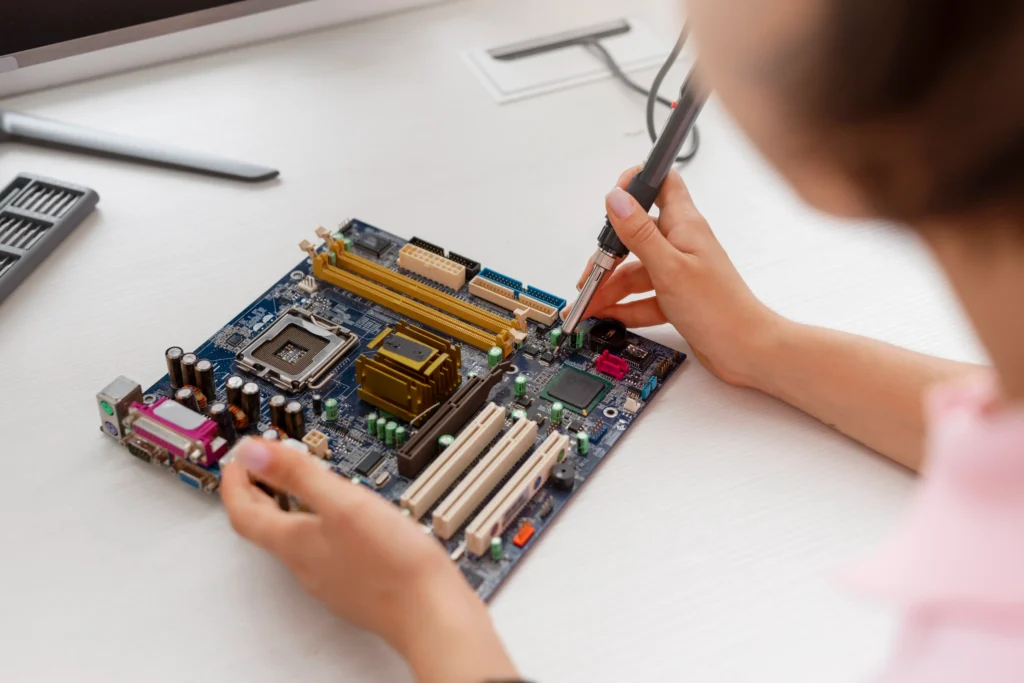
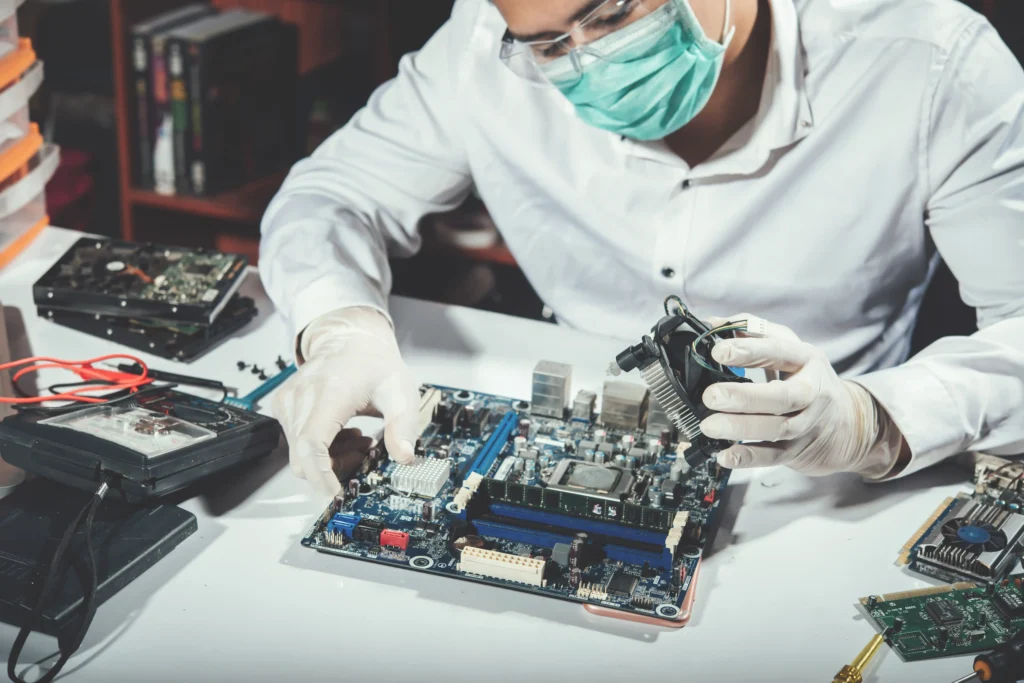
Motherboard repair, often called component-level repair or micro-soldering, means a technician finds the specific failed part and replaces it instead of swapping the whole board. It takes magnification, a soldering station, a multimeter and often a bench power supply to trace the fault.
Faults that are often repairable
- Charging circuit faults: A failed charging IC or nearby component, so the device won’t charge despite a working charger and battery.
- Corrupted or failed BIOS chip: The chip can often be reflashed or replaced.
- Failed capacitors, MOSFETs or voltage regulator (VRM) parts: Common causes of no power or sudden shutdowns.
- Damaged ports and slots: USB, audio or display connectors and some RAM or storage slots.
- Liquid damage caught early: Where the device was switched off quickly and corrosion is limited to a small area.
Pros and cons of repair
Pros
- Usually cheaper than replacing the motherboard
- Keeps your existing setup, so there are no compatibility worries
- Can be the only practical option when a board is rare or discontinued
- Produces less electronic waste
Cons
- Needs specialist tools and skills, and a poor repair attempt can make things worse
- Results are less predictable on older boards or boards with several faults
- Repair warranties are often shorter than the one-to-three-year manufacturer warranty on a new board, so check the shop’s terms
When Motherboard Replacement Makes Sense
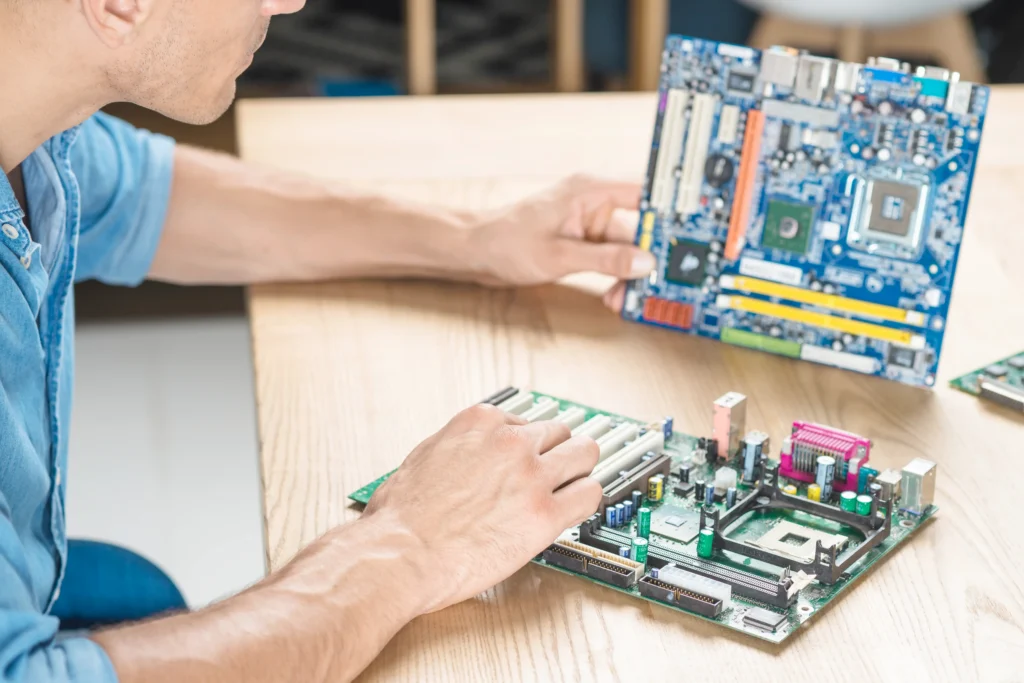
Replacement means fitting a different board, either new or refurbished. It is usually the better path when the damage is too widespread or too deep to fix one component at a time.
Signs repair is unlikely to pay off
- Burn marks or short-circuit damage across several areas, often after a power surge
- A cracked or warped printed circuit board (PCB)
- Corrosion spread across multiple circuits, which is common when a device kept running after a spill
- Several unrelated components failing at once
- A failed CPU that is soldered to the board, as it is in many modern laptops, because it can’t be swapped on its own
- A repair quote that is close to the price of a replacement board
Pros and cons of replacement
Pros
- Deals with widespread damage in one step
- A new part normally comes with a manufacturer warranty
- Often gives a more dependable long-term result than a repeat repair
Cons
- Usually costs more than repair
- The new board must match your CPU socket, RAM type, chipset and form factor
- Boards for older or proprietary models can be hard to find
- You may need extra setup time afterwards, such as updating drivers or the BIOS
Motherboard Repair vs Replacement Cost in Australia
Prices depend on the fault, the device and the availability of parts. The ranges below reflect what repair services commonly advertise, so treat them as a guide rather than a quote.
| Option | Indicative cost (AUD) | What affects the price |
| Diagnosis | Free at some shops, a fee at others | Whether you go ahead with the repair, and any warranty or insurance claim |
| Component-level repair | About 200-600 | Type of fault, device model, parts and labour |
| Replacement board, supplied and fitted | About 200-800 or more | Device model, new or refurbished board, labour |
Costs tend to rise with:
- High-end gaming, workstation or business devices
- Liquid damage that affects several components
- Parts that are hard to source
- Urgent turnaround times
A Simple Rule for Deciding
Professional repairing services often use a simple test. If the repair quote is more than about 50–60% of what a comparable replacement would cost, replacing is usually the smarter move. For older machines, use the lower end of that range.
How to apply it
- Get a written diagnosis and repair quote.
- Find the cost of a comparable replacement, either a replacement board fitted or a similar new or second-hand device.
- Divide the repair quote by the replacement cost.
- If the result is under about 50%, repair is usually sensible. If it is over about 60%, replacement usually wins.
Two illustrative examples
- Repair: A three-year-old laptop has a failed charging circuit. The repair quote is $300 and a comparable replacement laptop costs $1,200. The repair is 25% of the replacement cost, so repair makes sense.
- Replace: A seven-year-old desktop has burn damage after a power surge. The repair quote is $450 and a compatible replacement board, fitted, costs $350. The repair costs more than the replacement, so replace the board.
Get a Clear Answer From Computer Mechanics in Perth
If you’re unsure whether your motherboard is worth repairing, Computer Mechanics Perth can diagnose the fault and give you a written quote for both repair and replacement. That gives you real numbers, instead of guessing.
Here’s what you can expect:
- A proper diagnosis: We check the power adapter, RAM, CMOS battery and display first, so you don’t pay for a motherboard job you don’t need.
- An honest recommendation: If repair isn’t worth it, we’ll tell you, and explain why.
- A clear quote: Clear pricing for repair and replacement before any work starts.
- Care with your data: We talk through backup options before we begin, especially after liquid damage or a power surge.
Contact us for an expert diagnosis, a clear quote and honest advice on the most cost-effective solution for your device.
FAQs
1. Is it worth repairing a motherboard?
Often, yes. If the fault is isolated and the device is otherwise in good condition, repair is usually cheaper than replacement. It stops being worth it when the damage is widespread or the quote reaches roughly 50–60% of the cost of a comparable replacement.
2. How much does motherboard repair cost in Australia?
Australian repair businesses commonly advertise component-level repairs from about $220 to $600, although complex faults and high-end devices can cost more. A replacement board, supplied and fitted, often ranges from about $200 to $800 or more. Always ask for a written quote.
3. How long does motherboard repair take?
A straightforward repair can sometimes be finished the same day or within a few days. Complex jobs, or repairs waiting on parts, can take a week or longer. Ask for an estimated completion date when you receive your quote.
4. Will I lose my data if the motherboard is repaired or replaced?
Usually not. In most computers your files sit on a separate drive, so they normally survive a repair or board swap. The exception is some compact laptops where the storage is soldered to the board, so ask before any work starts and back up the drive first if you can.
