

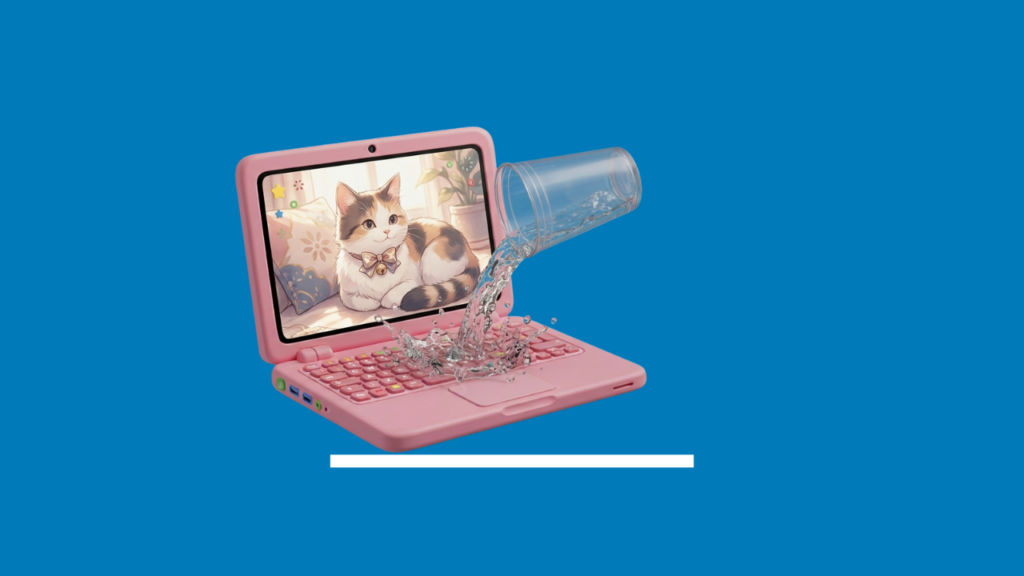
Read this BEFORE you spill anything on your keyboard: the first sixty seconds matter more than almost anything that happens afterwards.
What to do in the first few minutes
- Power it off immediately — don’t finish what you were typing, don’t wait to see if it still works. Every second it stays on while wet increases the risk of a short.
- Unplug it and remove the battery if it’s a removable one. Cutting power completely is the priority.
- Turn it upside down, tent-shaped, so any excess liquid drains away from the components rather than further into the device.
- Don’t turn it back on “just to check.” This is the single most common way a survivable spill turns into a written-off laptop — powering on a device that’s still wet internally is exactly how a short circuit happens.
- Don’t use a hairdryer or other heat source. Heat can push liquid further into the device or warp components, and doesn’t reach the internal areas that actually matter.
- Remove any USB drives or peripherals that were plugged in at the time.
What a professional assessment actually involves
Properly assessing liquid damage means opening the device, inspecting the internal components for moisture, residue, and early corrosion, and cleaning affected areas with the right materials before anything is tested or powered on. This is a different (and more thorough) process than just leaving a laptop to air dry — drying the outside does nothing for corrosion that’s already started internally.
What determines whether it’s repairable
- What was spilled. Plain water is the best-case scenario. Sugary or salty drinks, and anything acidic, cause more residue and corrosion.
- How quickly it was powered off. Devices that are shut down immediately have a meaningfully better outlook than ones that kept running.
- Whether it was turned back on before being assessed. This is often the deciding factor between a straightforward clean-and-test repair and a much more serious one.
- Which components were affected. A wet keyboard or trackpad is often replaceable on its own. Damage that’s reached the motherboard is more serious, and depending on the extent, may cost more to repair than the laptop is worth.
That last point overlaps with the broader repair-vs-replace decision — if you’re weighing that up more generally, see our guide on when to replace vs. repair your computer.
Why liquid is especially dangerous for laptops
Laptops pack their components close together in a small space, which means liquid doesn’t have to travel far to bridge two things that were never meant to touch. Once that happens, you can get a short circuit — and the damage doesn’t always stop the moment the laptop is dry. Corrosion can keep developing on the internal components for hours or days afterwards, especially if the liquid wasn’t plain water. Coffee, soft drink, juice, and anything sugary or salty leave a residue behind that keeps causing problems well after the surface feels dry to the touch.
The short version
Power off fast, don’t turn it back on to test it, and get it assessed as soon as you can. Time and restraint matter more than anything you can do yourself in the moment. And of course, get it in to us as soon as possible. We’ll treat it as an emergency.
