

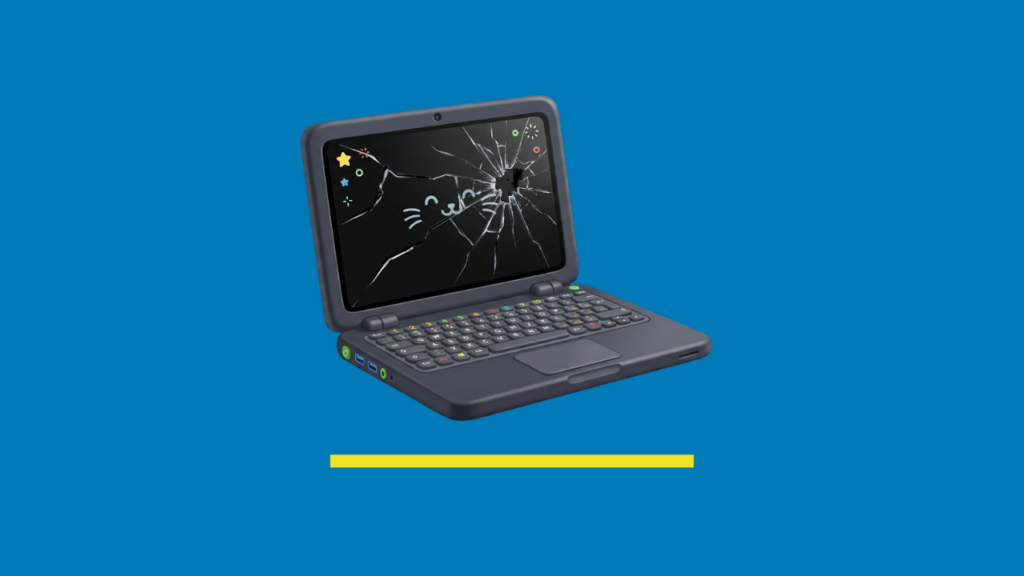
A cracked or flickering laptop screen raises two questions: what’s this going to cost to get fixed, and how long am I going to be without my laptop? The answers depend on just a couple of factors.
What actually affects the cost
Screen type. A standard non-touch display is generally the cheapest to replace. Touchscreens, high-resolution panels, and OLED displays cost more, because the part itself is more specialised and more expensive to source.
Brand and model. Mainstream models from common brands are usually quicker and cheaper to repair, simply because parts are readily available. A rarer or older model may cost more or take longer if the panel has to be specially ordered in.
Extent of the damage. A clean screen-only crack is a simpler job than damage that’s also affected the hinge, bezel, or internal display cabling — which can happen with a harder impact. The latter takes more diagnostic time and may involve more than one part.
Genuine vs. compatible parts. Genuine manufacturer panels typically cost more than compatible alternatives, but yes, they tend to match the original display quality more closely.
As we say on the pricing repairs page, rough estimate of $380 for a regular screen; $440 to $880 for a touch screen. Still way cheaper than a new notebook.
How long it actually takes
This mostly comes down to whether the part is already in stock. Most major laptop brands’ screens are held in stock, which is why a lot of screen repairs can be done same day – sometimes while you wait. If your model is less common, or the specific panel needs to be ordered in, expect the job to take a few extra days once the part arrives, rather than the same afternoon. Older models of course; less likely to be in stock.
The only way to know which situation you’re in is to have the device assessed – a quick look at the model and the damage will tell a technician whether it’s a same-day job or an order-in job.
While you’re waiting to get it looked at
- Avoid pressing on the screen or closing the lid under pressure – this can turn a contained crack into a bigger problem, including backlight damage.
- If the screen is severely cracked or the laptop was dropped hard, it’s worth powering it down rather than continuing to use it.
- If you can still see the screen well enough to do so, back up anything important before you bring it in – makes sense before any repair, screen or otherwise.
